

Key Takeaways
Firmware vs. Software Updates
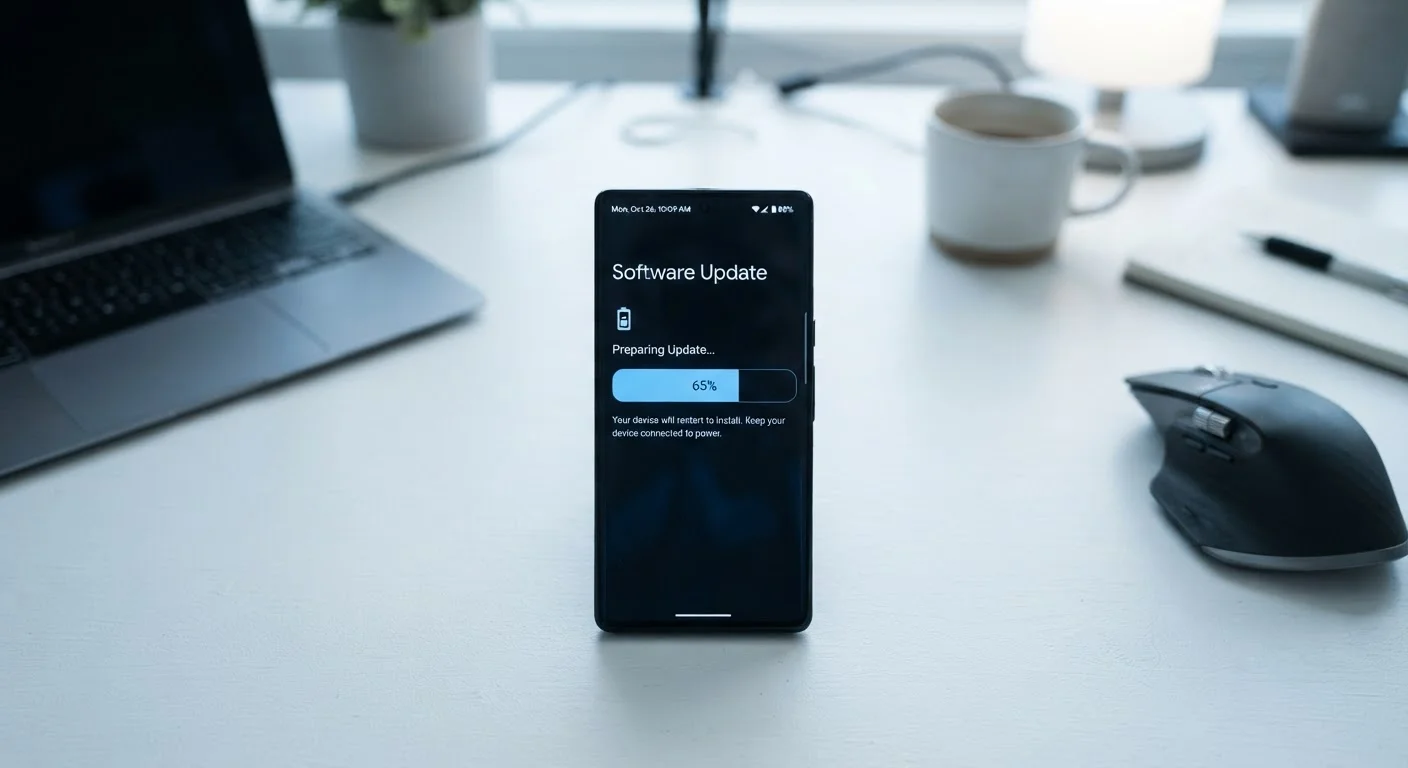
Software updates change the apps and operating systems you interact with every day - fixing bugs, adding features, and adjusting how the device behaves on screen. Firmware updates go deeper, modifying the low-level code that tells a device's hardware how to function. Both types of updates work together to keep your device secure, stable, and performing as intended.
Firmware is stored in non-volatile memory (such as flash storage) on the device's hardware components - like a router's chip or a smart TV's processor - and typically persists through power cycles independently of the main operating system.
Two Layers of Code, One Device
Every electronic device you own runs on at least two distinct layers of code. The top layer - the one you see and touch - is software: your phone's operating system, a smart TV's interface, or a laptop's applications. Below that sits firmware, a category of code you'll likely never see but that dictates how the device's physical components communicate and operate.
Think of it this way: software tells your camera app what filters to show you; firmware tells the camera sensor itself how to capture light. Both need to work correctly for the experience to feel seamless. When either layer develops a bug or a security gap, an update is how manufacturers fix it remotely - without you needing to open the device.
Just as following a car's maintenance schedule prevents small problems from becoming expensive ones, keeping your device's software and firmware current is straightforward preventive care.
What Updates Actually Change
The three main things any update can address are security, stability, and features - and most updates touch all three, even when release notes only highlight the new stuff.
~60%
Of breaches exploit known, patchable vulnerabilities
Industry analyses consistently find that a large proportion of successful cyberattacks exploit vulnerabilities for which patches were already available at the time of the breach.
2-5 years
Typical software support window for consumer devices
Most smartphone and consumer device manufacturers provide security updates for roughly two to five years after a product's release, after which devices no longer receive patches.
Millions
Connected home devices rarely updated by owners
Security researchers have repeatedly found that routers, smart TVs, and IoT devices are among the least frequently updated categories of consumer electronics despite being persistently connected to the internet.
Security patches are arguably the most critical component. When researchers discover a vulnerability - a flaw that could let an attacker access your data or take control of a device - manufacturers race to issue a patch before widespread exploitation occurs. Delaying that update keeps the door open.
Bug fixes address the glitches, crashes, and erratic behavior that slip past testing. A firmware update to your router, for example, might resolve random disconnections that no setting change could fix. A software update to your phone might stop an app from draining the battery abnormally.
New features and performance work often ride alongside patches. This is where updates sometimes get an unfair reputation - a visible UI change draws attention while the security fix goes unnoticed. The features are real, but they're rarely the most important reason to update.
Enable Automatic Updates Where You Can
For phones, tablets, and computers, automatic updates in the background reduce the chance you'll fall behind without realizing it. Check your device's settings to confirm automatic updates are turned on - especially for security patches, which some platforms allow you to install separately from larger feature updates.
The Real Cost of Skipping Updates
Postponing an update feels harmless. In practice, it creates compounding risk. Security vulnerabilities that have been publicly disclosed - meaning attackers already know about them - remain exploitable on unpatched devices for as long as the old version is running.
Devices that no longer receive updates present a different problem: even if you want to patch them, the patches don't exist. This is one of the less-obvious hidden costs of owning electronics long-term. A device that loses manufacturer support isn't broken - it just stops being actively defended.
For routers, smart speakers, and other always-on connected devices, this risk is especially relevant. These devices often sit on home networks with little attention paid to them, yet they're potential entry points to every other device on that network.
Building a Simple Update Habit
Automatic updates handle most of the work on phones, tablets, and computers - enabling them is a reasonable default for most people. For devices that don't update automatically (routers, smart TVs, game consoles, and various smart home gadgets), a periodic manual check is worth adding to your routine.
A few practical points to keep in mind:
- Back up important data before major OS updates, particularly on computers.
- Make sure your device is charged or plugged in before starting a large update - interrupting the process can cause problems.
- Check your router manufacturer's website or admin interface at least a couple of times per year for firmware updates.
- Research an update briefly if you're uncertain - release notes, while technical, usually describe the core changes.
Staying updated pairs well with other good habits. Our guide on keeping electronics lasting longer covers the physical and behavioral side of device care that updates alone can't address.
Updates aren't exciting, but neither is changing a smoke detector battery - until the moment it matters.